How To Create User Accounts In STANIBIZ Enterprise Software
Author: STANIFICENT STANIBIZ DIGITAL SYSTEMS AND MEDIA COMPANY LIMITED
Published: 16 April 2026 11:12 AM
👁 28 Views
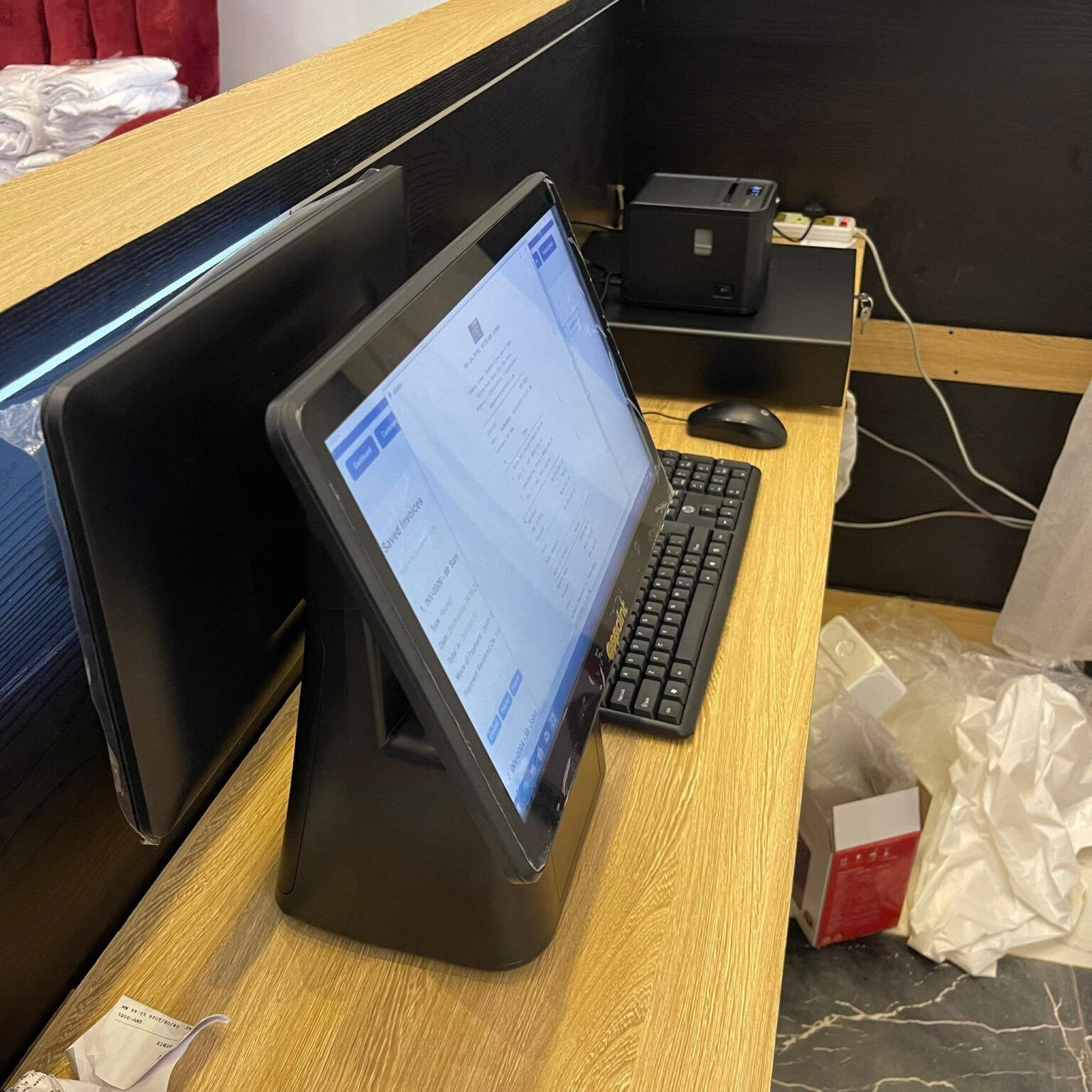
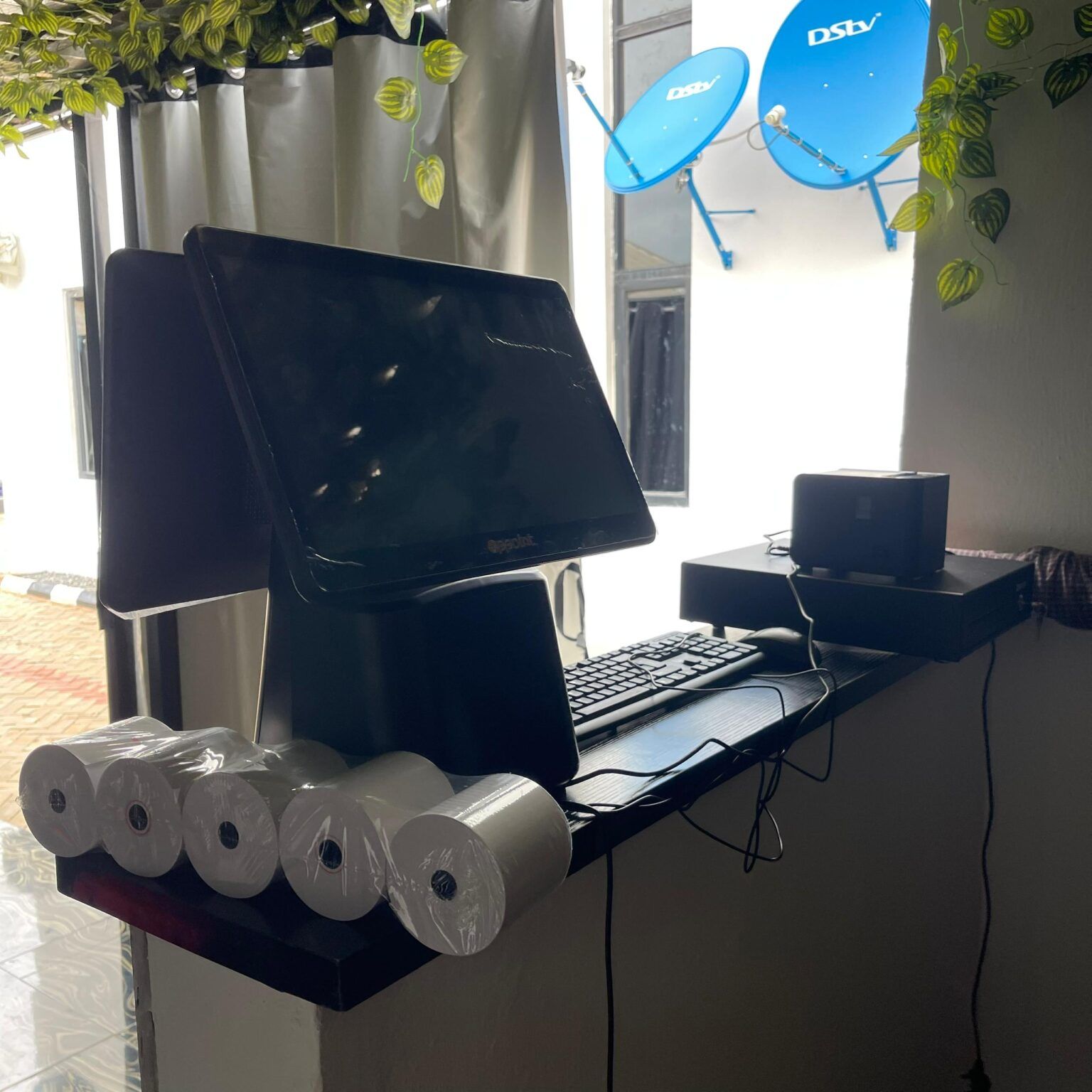
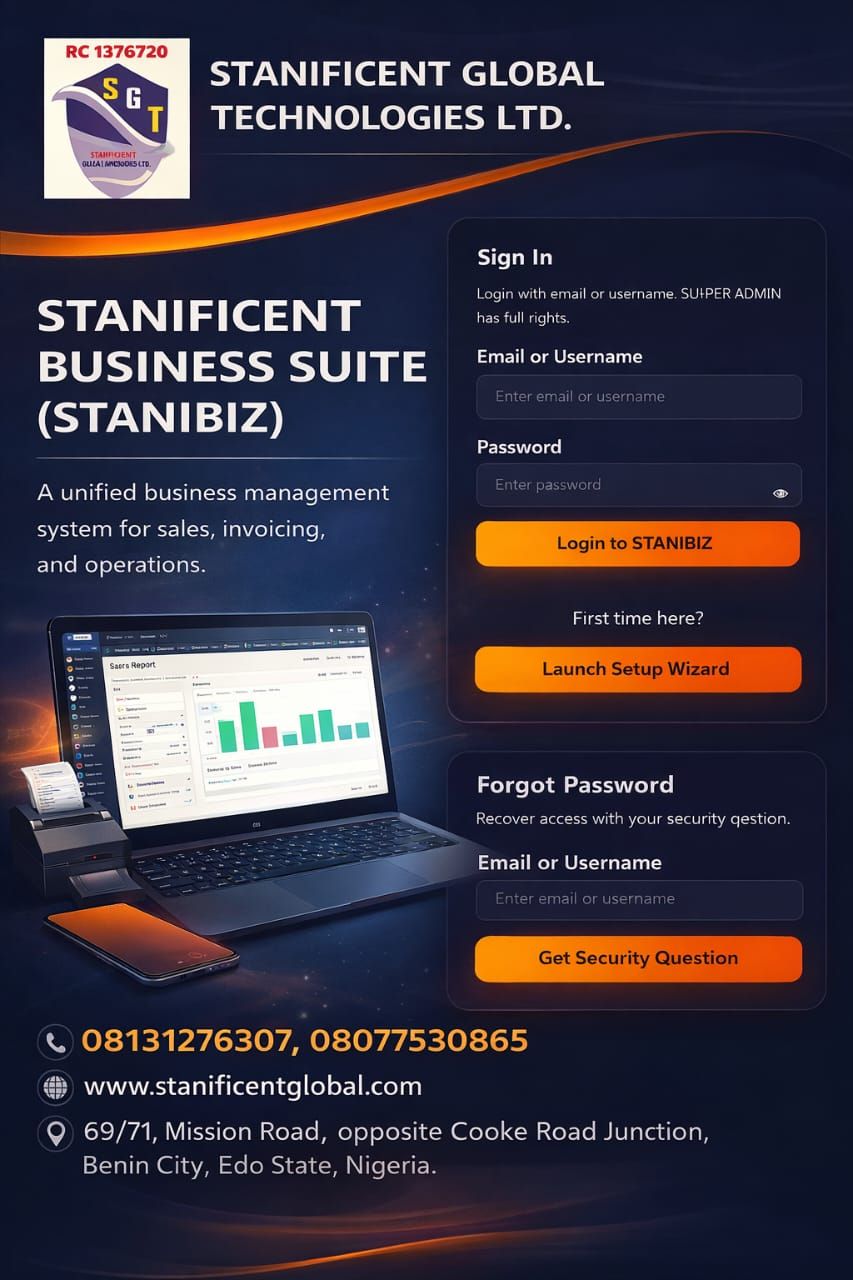
Learn how to create user accounts in STANIBIZ Enterprise Software, a powerful Point of Sale (POS) and business management software designed for modern businesses in Nigeria. In this step-by-step tutorial, you will discover how to add new users, assign roles, and manage staff access within the STANIBIZ Enterprise POS system to improve security and streamline business operations.
User account management is essential for any business using POS software in Nigeria, including retail stores, supermarkets, pharmacies, restaurants, and wholesale businesses. With STANIBIZ Enterprise Software, business owners and managers can create multiple staff accounts for cashiers, supervisors, store managers, and administrators, while controlling what each user can access within the system.
Author: STANIFICENT STANIBIZ DIGITAL SYSTEMS AND MEDIA COMPANY LIMITED
Published: 16 April 2026 11:58 AM
Are you losing money in your business due to poor sales tracking, missing inventory, or staff errors? It’s time to upgrade to the best POS software in Benin City. Stanificent Stanibiz Digital Systems...
Author: STANIFICENT STANIBIZ DIGITAL SYSTEMS AND MEDIA COMPANY LIMITED
Published: 16 April 2026 11:54 AM
Learn how to install the STANIBIZ certificate for your Stanibiz Point of Sale (POS) system quickly and correctly. In this step-by-step tutorial, we guide you through the complete process of installing and configuring the...
Author: STANIFICENT STANIBIZ DIGITAL SYSTEMS AND MEDIA COMPANY LIMITED
Published: 16 April 2026 11:48 AM
In this comprehensive tutorial, learn How to Login to STANIBIZ Software quickly and securely. STANIBIZ is a powerful Point of Sale (POS) software in Nigeria designed to help retailers, supermarkets, pharmacies, restauran...
Chat with STANIFICENT Support
Talk to the STANIFICENT team directly on live chat
Loading chat...
Visitor Contact Details
Provide your contact information so support can follow up properly. Email is optional.